Empresta Bem Melhor App
App UI/UX and customer journey
- My role
- UI/UX Designer
- Year
- 2023
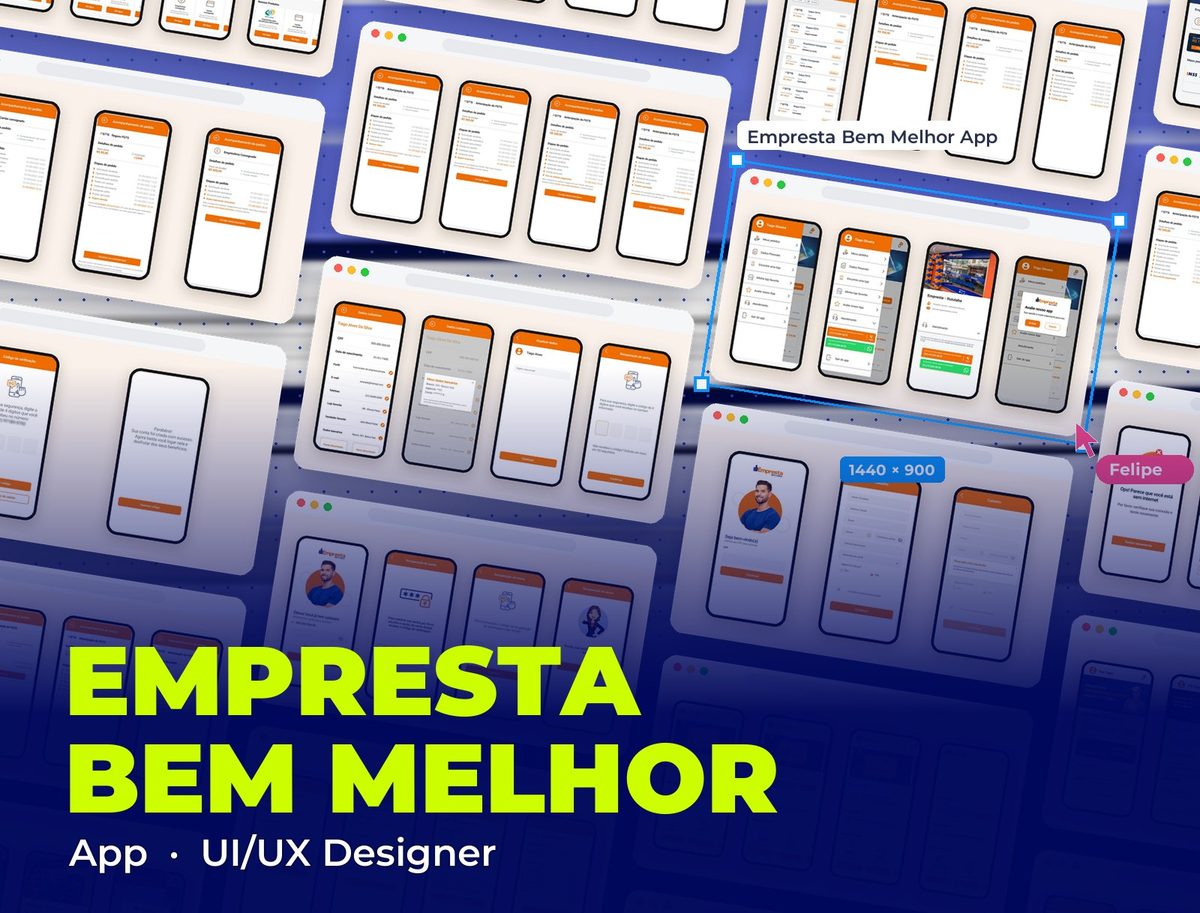 Empresta Bem Melhor App
Context
Empresta Bem Melhor is a digital credit app for INSS and FGTS beneficiaries, a mostly 50+ audience with low digital familiarity. The UI/UX project covered the redesign of the app screens and the entire customer journey, from sign-up to tracking the proposal.
Problem
Users didn't know whether their proposal was moving forward or whether something was pending on their side. Without clear status feedback at each stage, and with one long sign-up form, the journey caused drop-off even among users genuinely interested in the product.
App flows
The redesigned flows, one at a time, with the brand orange on actions and clear fields with plenty of breathing room for people less familiar with phones.
- 01 / 12
Sign-up: CPF and details
The entry screen asks only for the CPF, with a smiling face and one question at a time. Those without an account move on to a short single-screen form (name, phone, email, password, date of birth, profile and referral), and the info icon next to the password opens simple tips: 4 easy-to-remember numbers, no obvious sequences or important dates.
- 02 / 12
Sign-up: verification and account created
The 4-digit code arrives by SMS at the number provided, with the first field already in focus, a resend option and a shortcut to correct the phone number without starting over. The account-created screen closes the flow with a straightforward congratulations message.
- 03 / 12
Login and password recovery
Existing customers are recognized by their CPF ("Great! You're already registered") and just type their password. If they forgot it, they choose to get the code by SMS or email, enter the 4 digits and get confirmation that the password was updated, with the brand character celebrating along.
- 04 / 12
Home by product
The home adapts to the customer's product: an INSS payroll loan banner for retirees, an FGTS withdrawal banner for those with a balance, followed by the same blocks (simulate, Turbocharged FGTS with tasks to earn bonuses, my orders with a summarized timeline and the nearest store).
- 05 / 12
A card that changes with the situation
At the top of the home, the "Withdraw my FGTS" card changes its content to match the customer's moment: the amount they can receive, the request to authorize the partner bank, the under-review notice or the payment error with a "Fix" button. Customers know the next step without having to look for it.
- 06 / 12
My orders and stages
The list of orders across all products with each one's status and, inside each order, a timeline with the date and time of every stage: request, signature, review, document, selfie and approval. The current stage is orange and, when it depends on the customer, comes with the action button, such as "Sign contract".
- 07 / 12
Pending issues with a way out
Every problem has a short, calm explanation and a button that fixes it: retake the photos, correct details, correct bank details or, for a canceled order, simulate again. This is where customers used to drop off because they didn't know what to do.
- 08 / 12
Payment and installments
From payment in progress to money in the account, and then after-sales: paid and pending installments, the total with a progress bar, the installment-by-installment detail and access to the contract.
- 09 / 12
The same pattern across all products
Payroll credit card, FGTS insurance and payroll loan use the same tracking structure, so anyone who learns one flow already understands the others.
- 10 / 12
Menu and support
A menu with orders, personal details, favorite store, app rating and support by phone or WhatsApp, plus the store page with the favorite salesperson, because part of the audience prefers talking to a person.
- 11 / 12
Registration details
Customer details in a list with field-by-field editing, masked bank details in a pop-up, front and back documents and email and phone updates confirmed by code.
- 12 / 12
Errors and confirmations
A no-internet screen with a try-again action, an ongoing-loan notice with "I don't recognize this loan", a confirmation before canceling and a direct path to official WhatsApp to complete the cancellation.
Takeaways
For low-income audiences with low digital trust, every step of the flow needs explicit validation. Users don't drop off from lack of interest, they drop off from lack of clarity about what will happen next.
Other projects to explore.
 Fintech
Empresta Bem Melhor: Consignado INSS
Landing page for payroll loans for INSS retirees and pensioners, with a simulator and WhatsApp sign-up
See project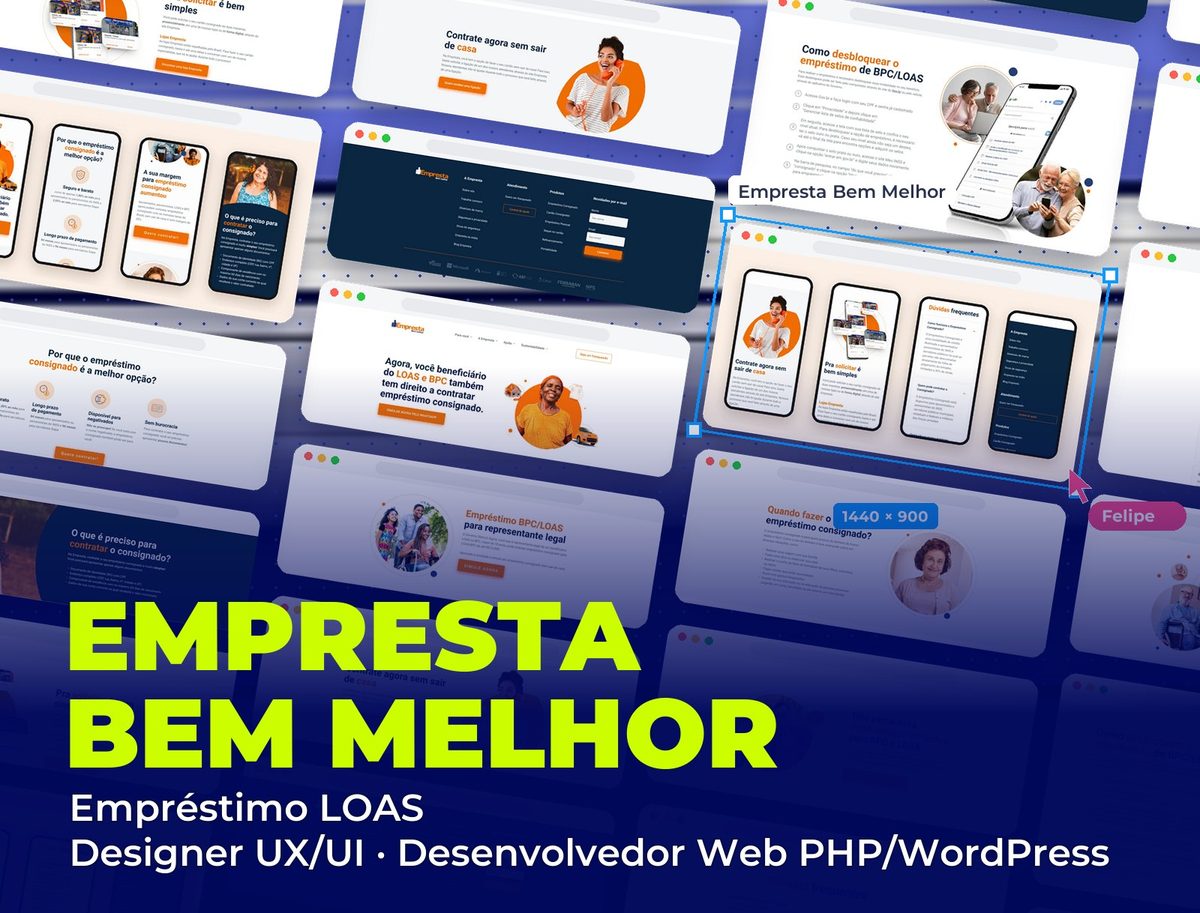 Fintech
Empresta Bem Melhor: Empréstimo LOAS
Landing page for payroll loans for LOAS and BPC beneficiaries, with a step-by-step unlock guide and sign-up from home
See project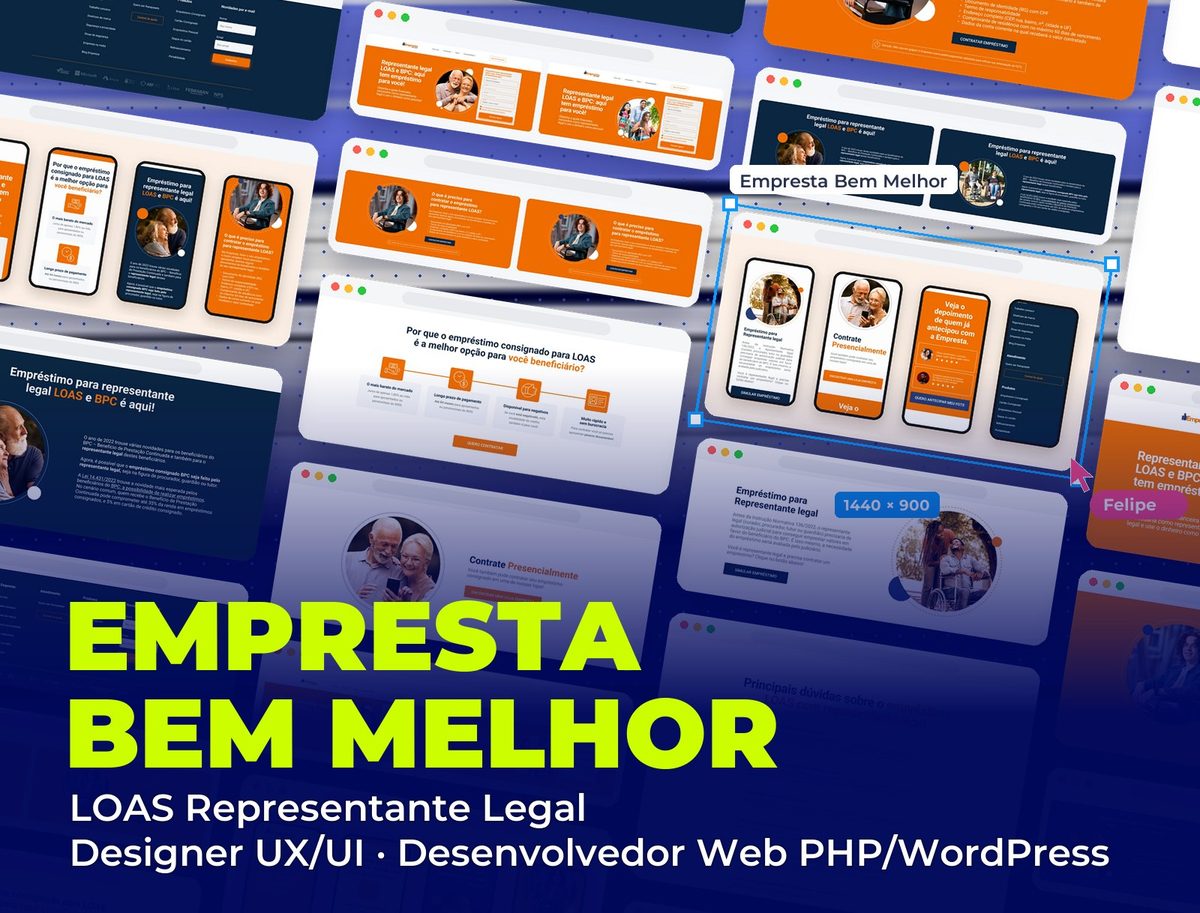 Fintech
Empresta Bem Melhor: LOAS Representante Legal
Landing page for LOAS and BPC payroll loans taken by the beneficiary's legal representative, in two image versions
See project