Empresta Bem Melhor: Consignado INSS
Landing page for payroll loans for INSS retirees and pensioners, with a simulator and WhatsApp sign-up
- My role
- UX/UI Designer · PHP/WordPress Web Developer
 Empresta Bem Melhor
Context
Empresta Bem Melhor offers credit to people who receive INSS (social security) benefits, and the payroll loan is the main product for retirees and pensioners. This landing page focuses on capturing that audience: it explains the product, simulates the installment and moves the conversation to WhatsApp, where these customers already are.
Challenge
People looking for a payroll loan have questions before they have interest: whether they qualify, how much they'll pay, where to find their benefit number. The page had to answer all of that in order, with large type and short sentences, while keeping the form and WhatsApp always one tap away.
The landing page, section by section
The page on desktop, in the order retirees clear up their doubts and reach the sign-up.
- 01 / 11
Top with form
“INSS Payroll Loan on WhatsApp”: the promise in one line, a photo of a retiree with a phone and the short form (name, CPF, phone and email) with a countdown to when they'll get the money, right in the first section, leading straight to WhatsApp.
- 02 / 11
The best credit in Brazil
A simple chart compares the payroll loan rate with overdraft and credit cards: instead of explaining interest, the page shows the difference.
- 03 / 11
Installment simulator
Customers choose how much they need and over how many years they want to pay, and instantly see the installment in a big number, with easy-to-tap plus and minus controls.
- 04 / 11
Who can apply
Two side-by-side columns, “who can” and “who can't”, so people find out in seconds whether they qualify before filling anything in.
- 05 / 11
Benefits
Four benefits with an icon and a sentence each: lower interest rate, more time to pay, online sign-up and installments deducted straight from the benefit.
- 06 / 11
How to do it
The sign-up steps next to a photo of a customer on the phone: fill in the form, enter the benefit number, confirm on WhatsApp and get the money within 24 hours.
- 07 / 11
Benefit number
The question that most often stalls sign-up gets its own section: the ways to find the benefit number in the Meu INSS app, in numbered steps with the phone showing the way.
- 08 / 11
Products and partner banks
Three shortcuts (new loan, refinancing and portability) and partner bank logos as proof of trust.
- 09 / 11
Final call
A blue banner with “Low-interest payroll loan” and the button to message on WhatsApp, for those who have already decided.
- 10 / 11
FAQ
Accordion questions about margin, terms, limits and who can apply, answered in plain language.
- 11 / 11
Footer
Institutional links, help center, products, email newsletter sign-up and partner seals.
On mobile
The mobile version, designed separately at 360 px: the same sections stacked, larger headings, the simulator with large controls and the WhatsApp button always visible, because most of this audience browses on their phones.
Visual System
The brand colors with fixed roles: orange only for actions and highlights, blue for trust in the top and call-to-action blocks, and a light background with large, dark text for easy reading by an older audience.
Palette
Empresta Orange
#EF6C00
Buttons, highlights and simulator
Empresta Blue
#273E74
Top and call-to-action banner
Midnight Blue
#0A2540
Headings, “how to do it” section and footer
Text Gray
#6A7680
Supporting text
Ice
#F5F6FA
Card and section backgrounds
Typography
Roboto
400 / 500 / 700
A single typeface: bold headings, regular text, with generous sizes for reading on a phone
Takeaways
For an older audience, every question answered on the page is one fewer call to customer service. Turning the most common question (where do I find my benefit number?) into a step-by-step section and making WhatsApp the main path made signing up feel closer to a conversation than a form.
Other projects to explore.
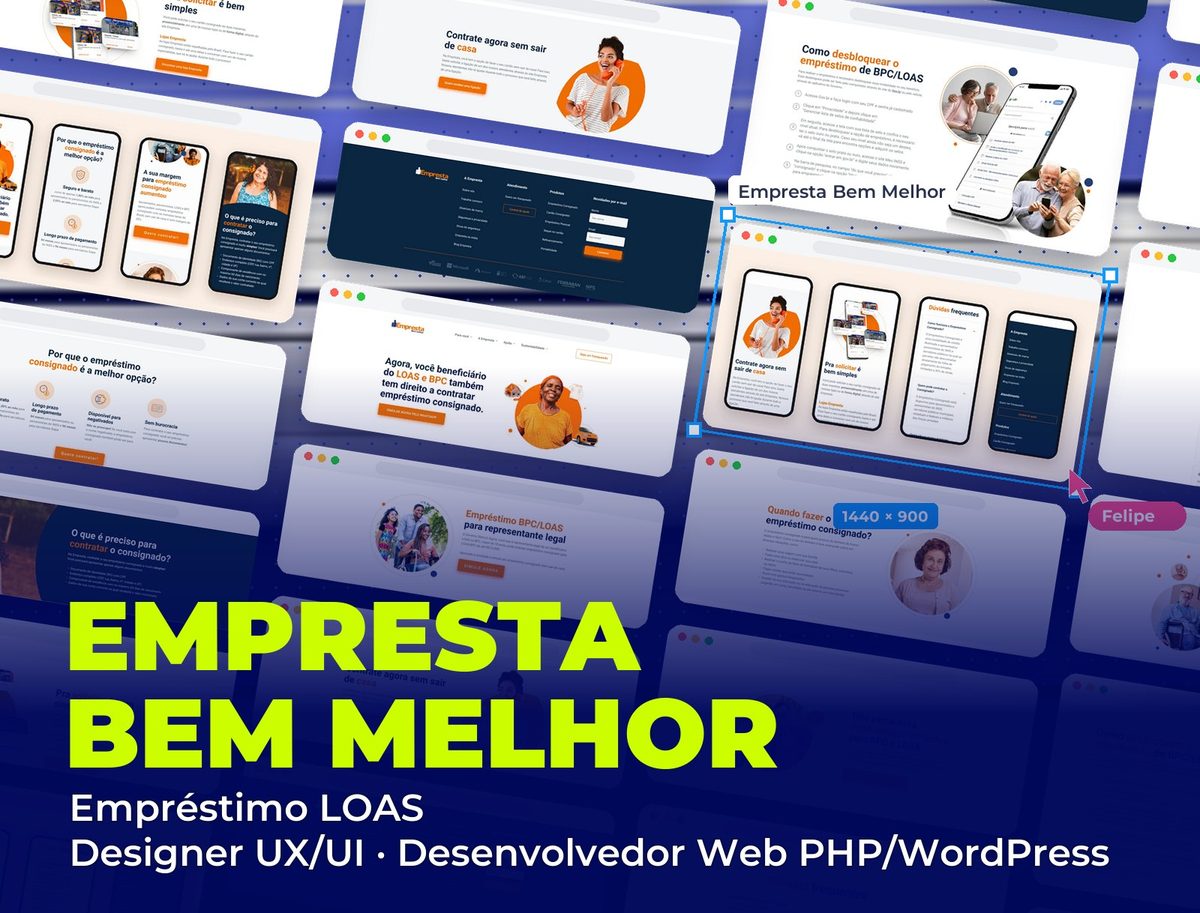 Fintech
Empresta Bem Melhor: Empréstimo LOAS
Landing page for payroll loans for LOAS and BPC beneficiaries, with a step-by-step unlock guide and sign-up from home
See project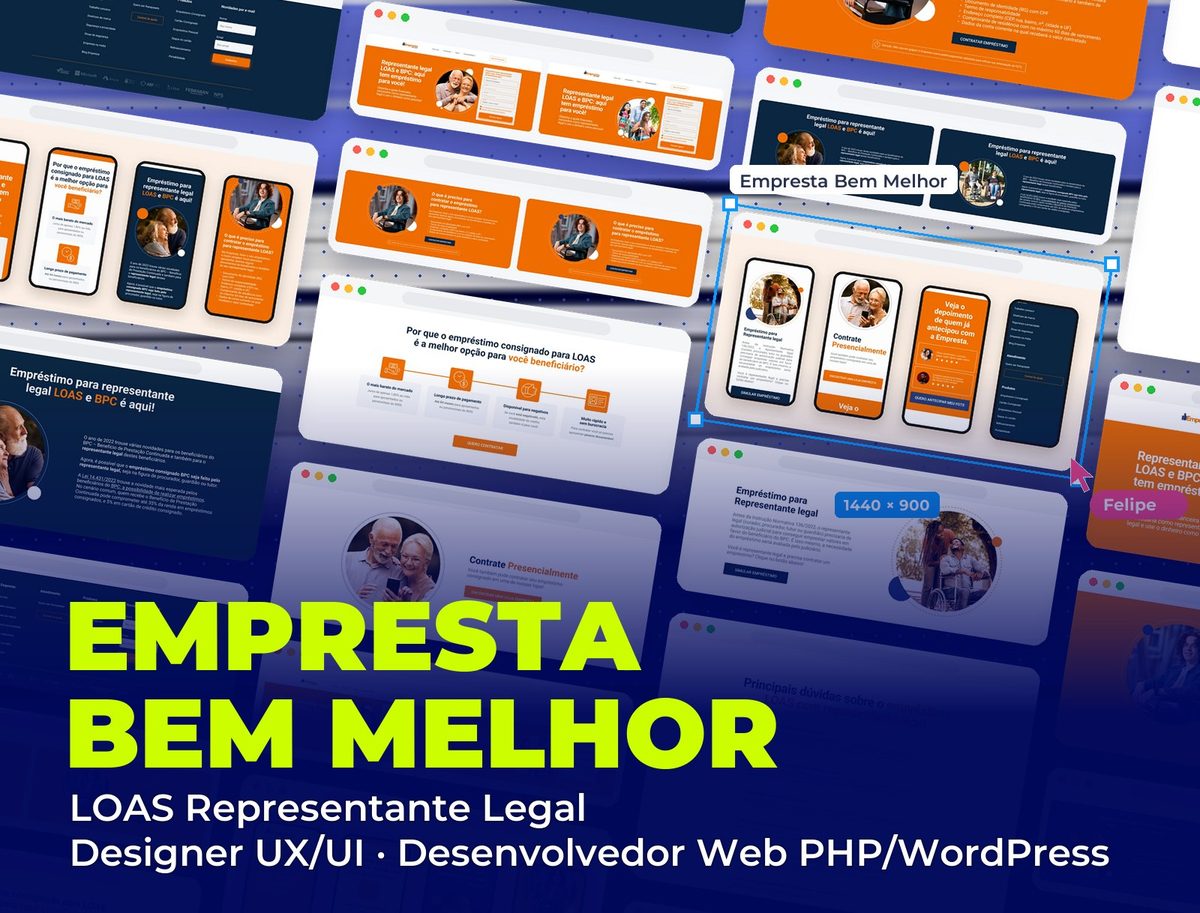 Fintech
Empresta Bem Melhor: LOAS Representante Legal
Landing page for LOAS and BPC payroll loans taken by the beneficiary's legal representative, in two image versions
See project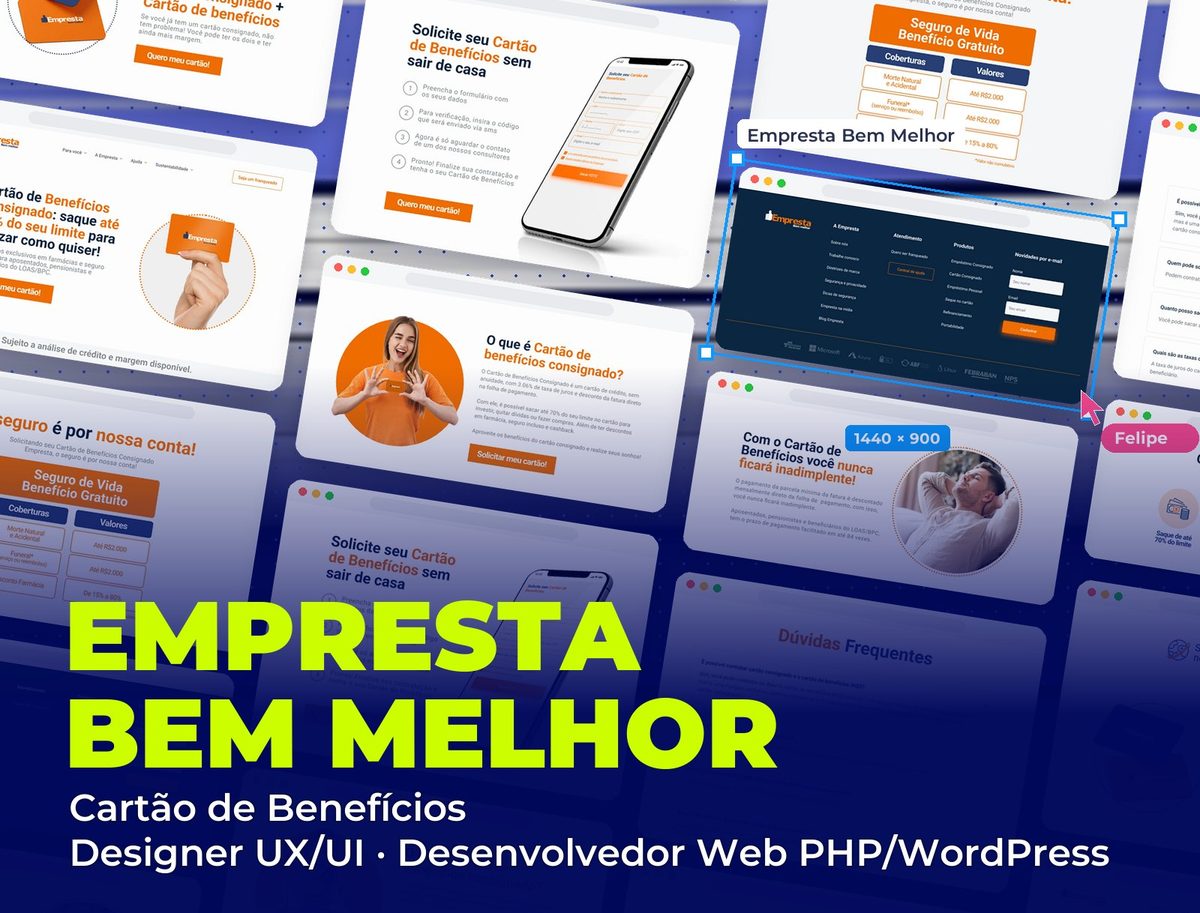 Fintech
Empresta Bem Melhor: Cartão de Benefícios
Landing page for the payroll benefits card for retirees, pensioners and LOAS/BPC beneficiaries
See project