Valverde Jurídico
Legal management SaaS for a law firm: clients, cases, calendar, client portal and website, from UX to back end
- My role
- Full Stack Developer · UX/UI Designer
 Valverde Jurídico
Context
Valverde Jurídico is a law firm. I was the sole person responsible for the project: I designed the experience and built the entire system, from the database to the screens. I started from the institutional website, which I migrated to Next.js while keeping its design system, and built the firm's dashboard and the client portal in sprints.
Challenge
Clients, cases, deadlines and hearings were scattered across spreadsheets and calendars, with no view of how each case was progressing. The system had to bring everything into one place while respecting who can see and do what: partners, lawyers, assistants, finance and the client, with sensitive data protected and every change recorded.
The system, screen by screen
Every screen shares the same structure: a side menu by module, search at the top, current numbers in cards, tables with colored statuses and a single gold button for the main action.
- 01 / 20
Institutional website
The firm's front door: the promise of strategic legal advice, practice areas, differentials, testimonials and a contact form validated both in the browser and on the server.
- 02 / 20
Client portal
A separate area where the firm's clients sign in with their own e-mail to follow their case, with login, password recovery and the same visual system as the website.
- 03 / 20
Dashboard
The firm overview: active clients, active cases, urgent cases and pending tasks, the distribution of cases by status and the most recently updated cases, with priority and status on each row.
- 04 / 20
Customers
The legal CRM: search by name, tax ID or e-mail, filters by status, person type, city, state, owner and tags, bulk actions and export.
- 05 / 20
Client record
Everything about the client on one page: individual or company details, contacts, address and tags, with tabs for notes, timeline, documents, cases, finance and calendar.
- 06 / 20
New client
The form changes according to the type, individual or company, and validates tax IDs by their check digits before saving.
- 07 / 20
CSV import
To bring in the client base that already lived in spreadsheets: the firm drops a CSV file and the system registers all clients at once.
- 08 / 20
Cases
The case list with CNJ number, client, area of law, class, court, division, status, priority and lead lawyer, with filters by period, court, division and tags.
- 09 / 20
Case kanban
The same cases in columns by status (new, in progress, awaiting documents, awaiting hearing…). Dragging a card changes its status and is recorded in the timeline.
- 10 / 20
Case record
The validated CNJ number, status and priority at the top and the case details: class, subject, court, district, division, instance and claim value, with tabs for everything that happens in the case.
- 11 / 20
Parties
Plaintiff, defendant, third parties, witnesses and experts for each case, and in the next tab the team members responsible: lead lawyer, associate and assistant.
- 12 / 20
Comments with mentions
The team's conversation inside the case, with a text editor, replies and @mentions that notify a colleague.
- 13 / 20
Checklist
What the case still needs to move forward (power of attorney, documents, calculations), with progress on completed items.
- 14 / 20
Movements
Each docket entry with date and author. The source is stored: manual or coming from court integrations such as CNJ's DataJud and PJe.
- 15 / 20
Timeline
The case audit trail: every record, party, owner, comment and status change appears in order, with who did it and when.
- 16 / 20
Legal calendar
The firm's commitments in numbers (today, next 7 and 30 days, overdue deadlines and tasks), critical deadlines highlighted and the upcoming hearings and meetings.
- 17 / 20
Calendar
Day, week, month and list views, with each event type in its own color. Events can be dragged to reschedule, or an empty slot clicked to create one.
- 18 / 20
Deadlines
Procedural deadlines with owner, priority and status (pending, overdue), linked to the case and with automatic reminders before they fall due.
- 19 / 20
Tasks
Team tasks with a checklist and completion percentage, priority, status and due date.
- 20 / 20
Integrations
The infrastructure to connect the firm to external services: queues for case sync, e-mail, notifications, OCR, documents and AI, with providers, webhooks and logs.
On mobile
The dashboard adapts to small screens: indicators become stacked cards, the kanban scrolls sideways and the calendar shows the day's numbers first.
Architecture
A pnpm and Turborepo monorepo, separating the front end, which only talks to its own origin, from the back end, where the rules live.
Security and integrity
A legal system stores sensitive data, so security was handled in the back end from the first sprint:
In numbers
Built in sprints: website and foundation, clients, cases, integrations and calendar. The finance module (contracts, fees, installments and expenses) already exists in the back end, with its screens in development.
13
back-end modules
48
database tables
6
access roles with their own permissions
Visual System
A sober look for a law firm: beige and white backgrounds, gold as the action color, Playfair Display in headings for a traditional tone and Inter for everything else, for readable tables and forms.
Palette
Gold
#C4A36E
Buttons, active menu item and highlights
Light Gold
#F3EDE2
Icons, avatars and selection
Beige Background
#FAF8F5
Screen backgrounds
Beige Menu
#F6F3EE
Side menu
Graphite
#2B2B2B
Headings and text
Typography
Playfair Display
400 / 700
Headings and logo
Inter
400 / 500 / 600
Interface, tables and forms
Takeaways
Building a system this size alone takes order: start with the data model and the rules, deliver one module per sprint and only then design the screens on top of what the back end guarantees. The modular architecture made it possible to grow from clients to cases, calendar and integrations without rewriting what already worked.
Other projects to explore.
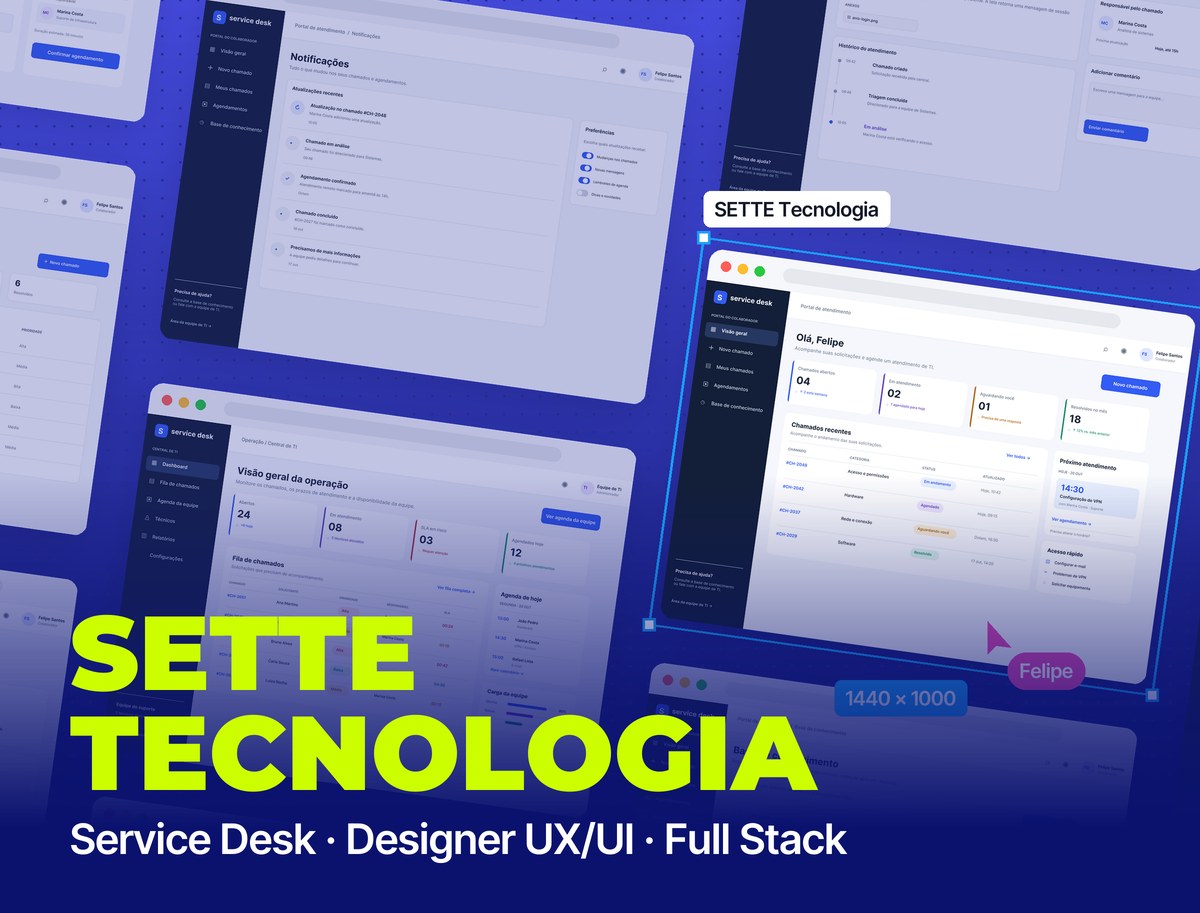 SaaS · Service Desk
SETTE Tecnologia: Service Desk
SaaS Service Desk: an employee portal to open tickets and book support, an IT team console with queue, SLA and schedule, and a mobile app, from UX to back end
See project SaaS · Own product
Seu Barba
Booking SaaS for barbershops: brand, app and sales landing page, my own product in development
See project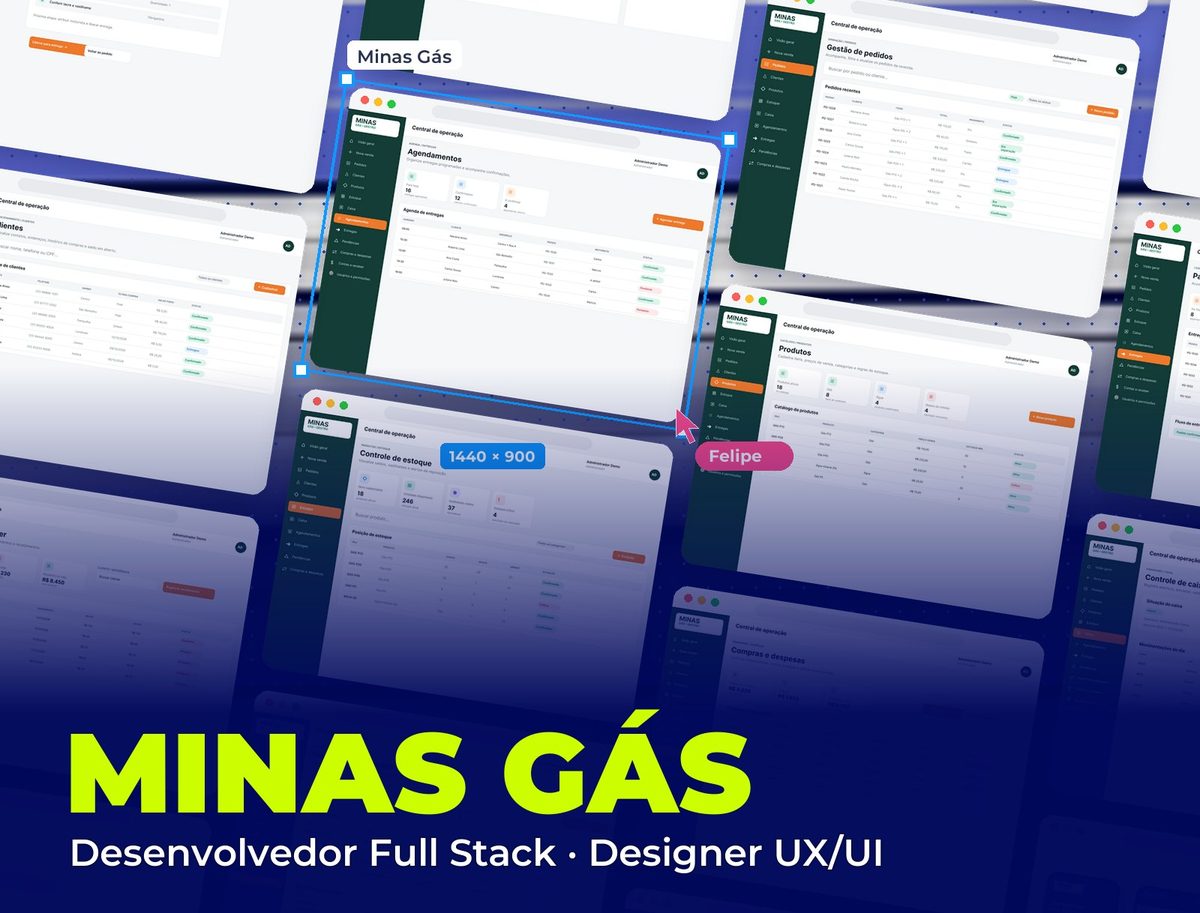 SaaS · Management
Minas Gás
Management system for a gas distributor: orders, stock and cylinders, deliveries, cash register and finances in one web app, with an app for drivers
See project